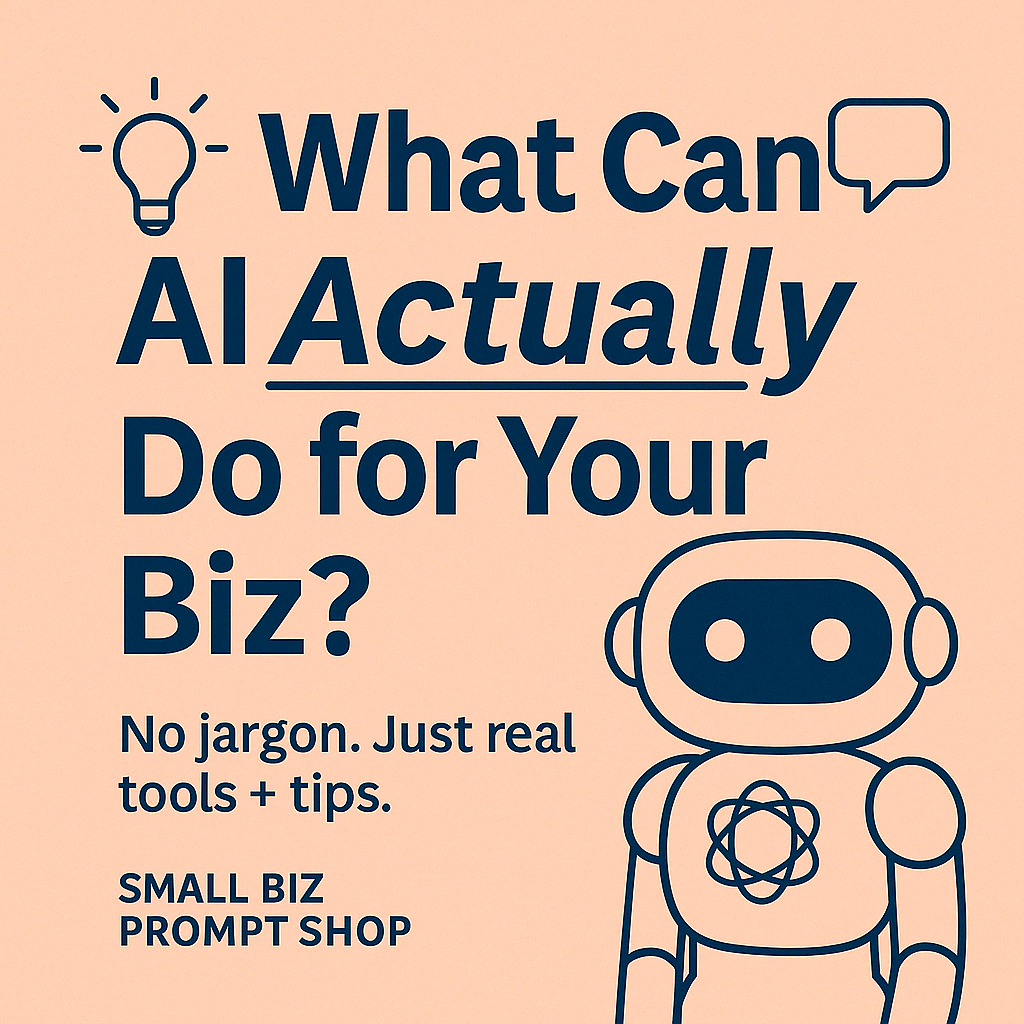
You’ve probably heard that AI is “the future of business.” But for small biz owners, it can feel more like:
👉 “Cool… but how does it actually help me today?”
No fluff, no fear-mongering—just straight talk on how you can use AI to save time, reduce mental load, and market your business like a pro (without needing a tech degree).
1. ✍️ Write Content Faster (That Still Sounds Like You)
AI tools can help you generate:
Instagram captions
Email subject lines
Website blurbs
Blog drafts
Product descriptions
Tool to try:
🔗 ChatGPT – Ask it to write “as you” using your brand voice
🔗 Jasper – Designed for marketers and copywriters
🔗 Copy.ai – Fast one-click blog ideas, social posts, and emails
➡️ Tip: Use prompt packs (like ours 😉) to give your AI better instructions so you’re not editing for hours afterward.
2. 📧 Automate Customer Service or Replies
Tired of typing the same responses over and over?
You can use AI to:
Draft polite replies to enquiries
Handle FAQ responses
Auto-respond to Instagram DMs or emails
Build simple chatbots for your website
Tool to try:
🔗 Tidio – Live chat + AI bot combo for small businesses
🔗 ManyChat – Automate IG + Facebook DMs using flows
🔗 ZenoChat – A GPT-powered assistant tailored for small tasks
➡️ Tip: Train your AI on your FAQs or service info for smarter replies.
3. 📸 Create Scroll-Stopping Visuals
Yep, AI can help with:
Instagram tile designs
Facebook banner templates
Product mockups
Quick idea-to-image content (Reels, posts, etc.)
Tool to try:
🔗 Canva Magic Design – Describe your idea and it builds a design
🔗 Adobe Firefly – Text-to-image generator with creative control
🔗 DALL·E – Generate visuals from prompts (integrated in ChatGPT Pro)
➡️ Tip: Use your prompts to create a consistent look and feel for your brand assets.
4. 🧠 Brainstorm Like a Pro (Without Staring at a Blank Page)
Use AI as a sounding board to:
Come up with campaign themes
Plan a product launch
Create lead magnet ideas
Name your new offer
Tool to try:
🔗 ChatGPT – Ask it to brainstorm with constraints: budget, audience, vibe
🔗 Notion AI – Good for outlining ideas and turning brainstorms into structured plans
🔗 Whimsical – Visual mind mapping and flowcharts with light AI support
➡️ Tip: Don’t just say “Help me think of an idea.” Be specific about what you’re stuck on.
5. 📊 Turn Data Into Insight
If numbers aren’t your thing, AI can:
Summarise survey results
Write reports from spreadsheets
Analyse Google Analytics or sales reports
Help you predict trends or patterns
Tool to try:
🔗 ChatGPT Code Interpreter (aka Advanced Data Analysis) – Upload a CSV and ask it to explain
🔗 Polymer Search – Drag and drop a spreadsheet, get instant dashboards
🔗 Looka AI Business Plan – Build business plans based on inputs like your audience and goals
➡️ Tip: You don’t need to understand every number—just what it means for your next move.
Final Word: Don’t Overcomplicate It
You don’t need every tool. Just pick one task you’re doing manually that feels draining—like caption writing or replying to DMs—and test a single AI tool to help with it.
🎁 Bonus tip: Use AI as a starting point, not a finished product. Add your voice, tweak the tone, and make it sound like you.
👉 Want better results from AI?
Our Prompt Packs are designed to help you plug in the right info and get better, brand-aligned outputs—faster.